My work
Applications, websites and game tools. Each project includes implementation details, tags and its current status.
Work
open a project card to see its description, tags and current status.
DESKTOP APP
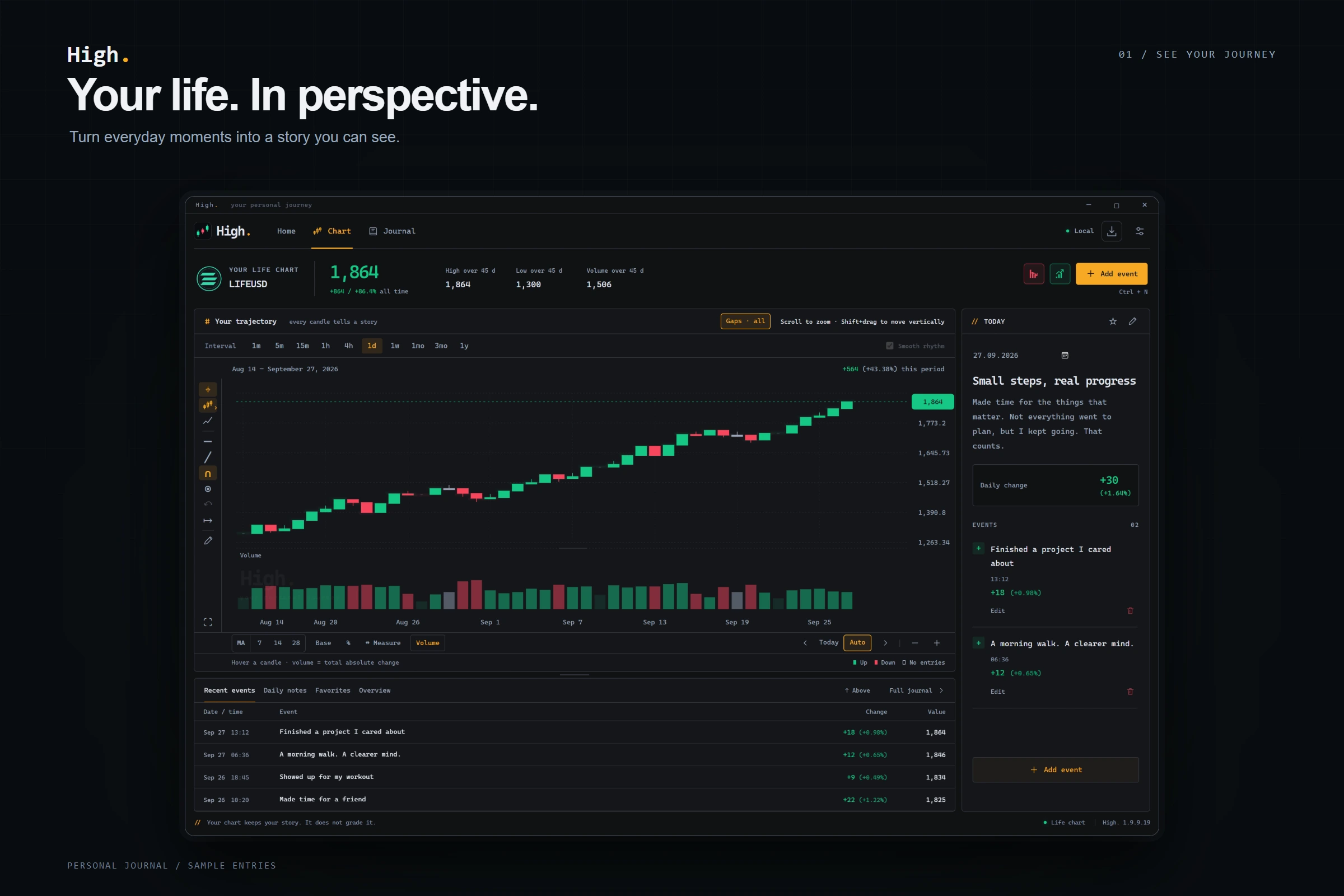
High.
Your story.
In a chart.
Explore the project
![High life chart — development preview]()
High.
Your story.
In a chart.
ABOUT THE PROJECT / 01
A personal journal, drawn as a chart.
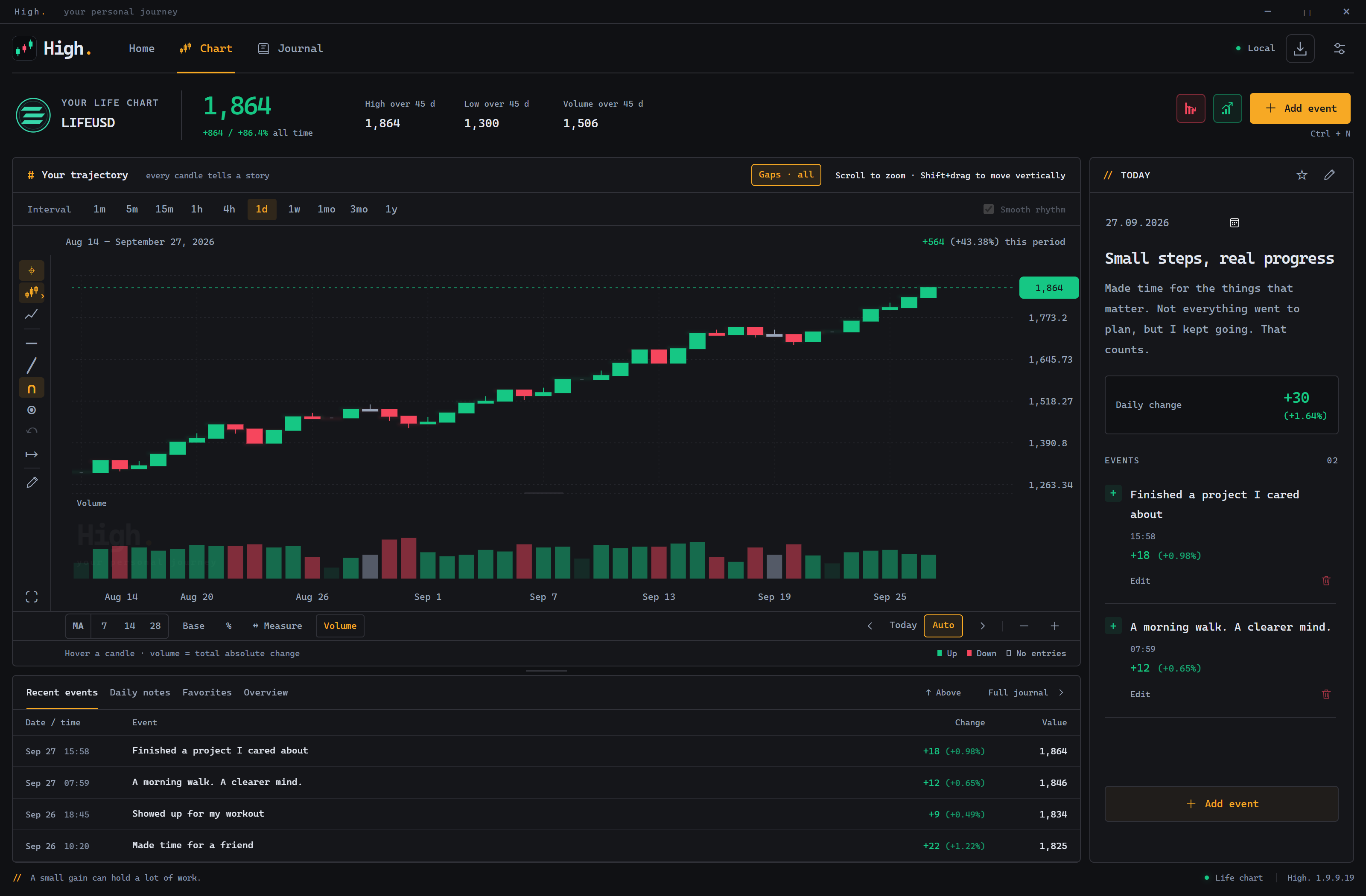
High keeps daily events and notes in a chart of your own story. It helps you notice changes without turning a personal journal into a competition with other people's scores.
Inside High
Development preview · sample entries · click to enlarge
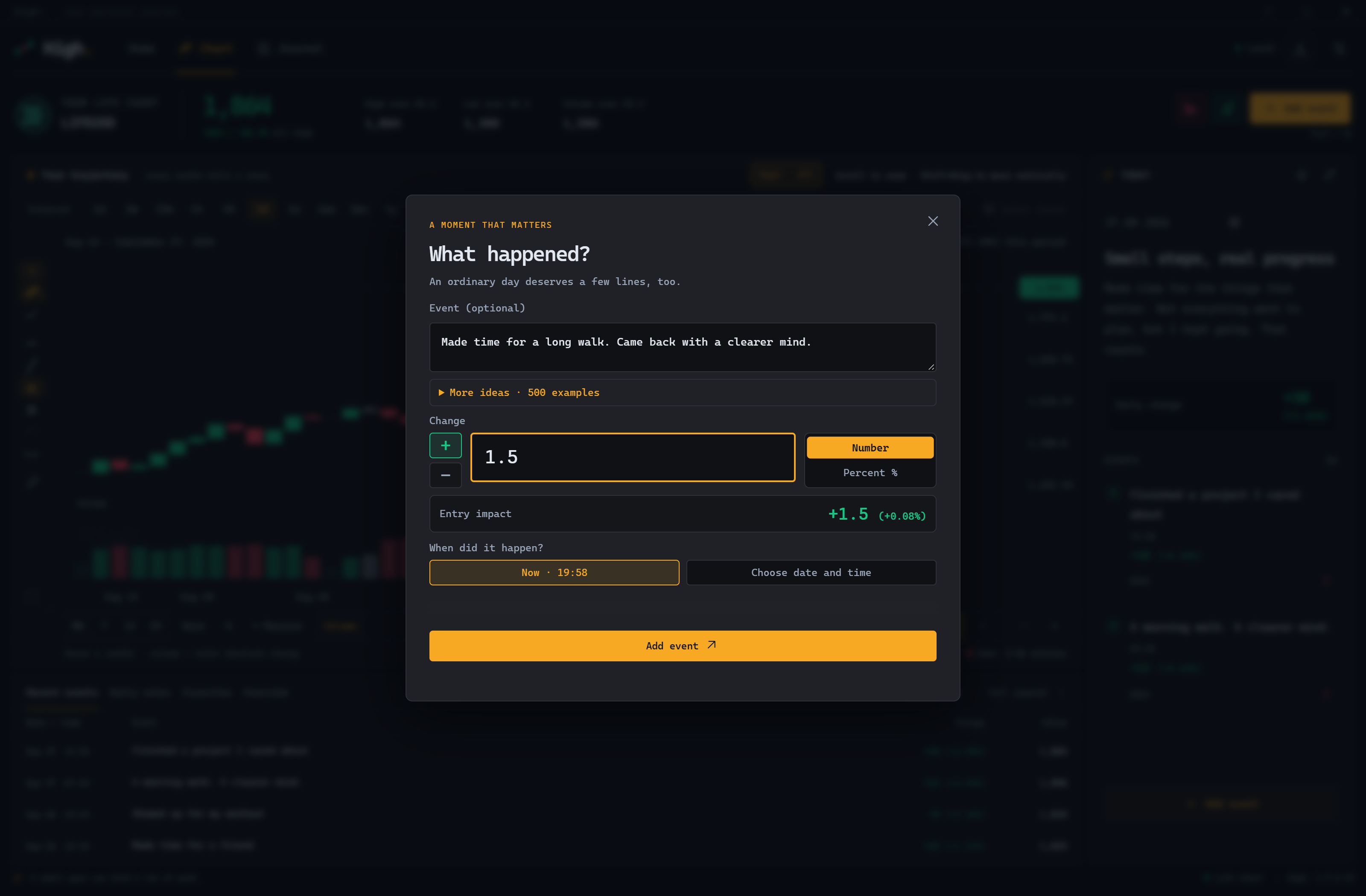
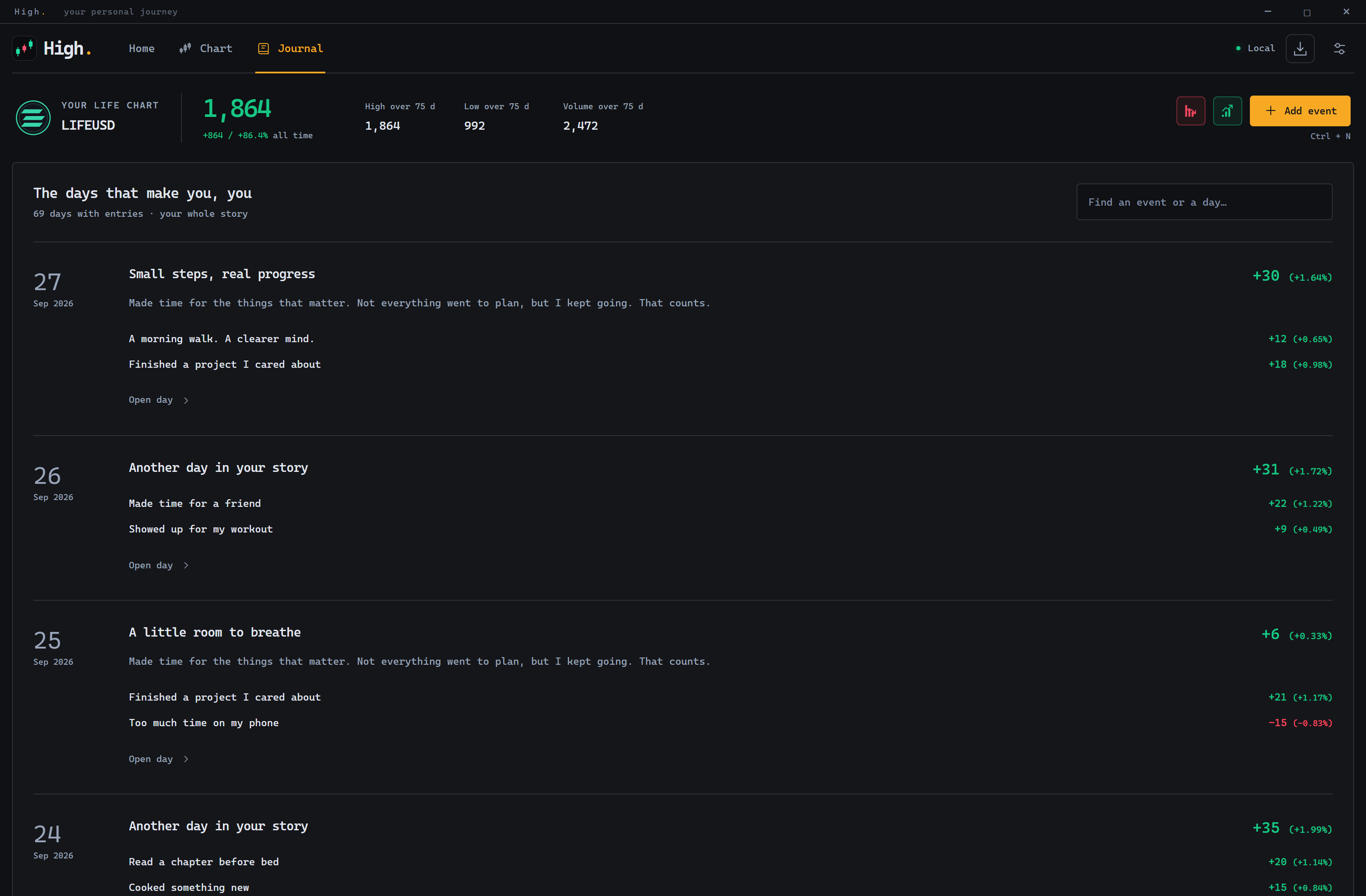
Daily events and notes
Explore your history at different time scales
Your own pace and perspective
DOWNLOAD / HIGH
High. 2.0.0.2
Smooth chart movement and zoom around the cursor or with two fingers. Visual trends return to the recorded level; new entries animate only the current candle. Your entries and totals stay unchanged.
Windows x64 · 6.1 MB. Download the EXE and open it — no installer needed.
To update, close High. and replace the previous EXE. Your journal is preserved.
GAME MOD · LUA
PDR (Payday Remastered)
A new take on PAYDAY: The Heist. Four classes, deeper builds and a custom HUD.
Explore the project

PDR (Payday Remastered)
A new take on PAYDAY: The Heist. Four classes, deeper builds and a custom HUD.
Explore the projectABOUT THE PROJECT / 02
Reworking the heist, from classes to the HUD.
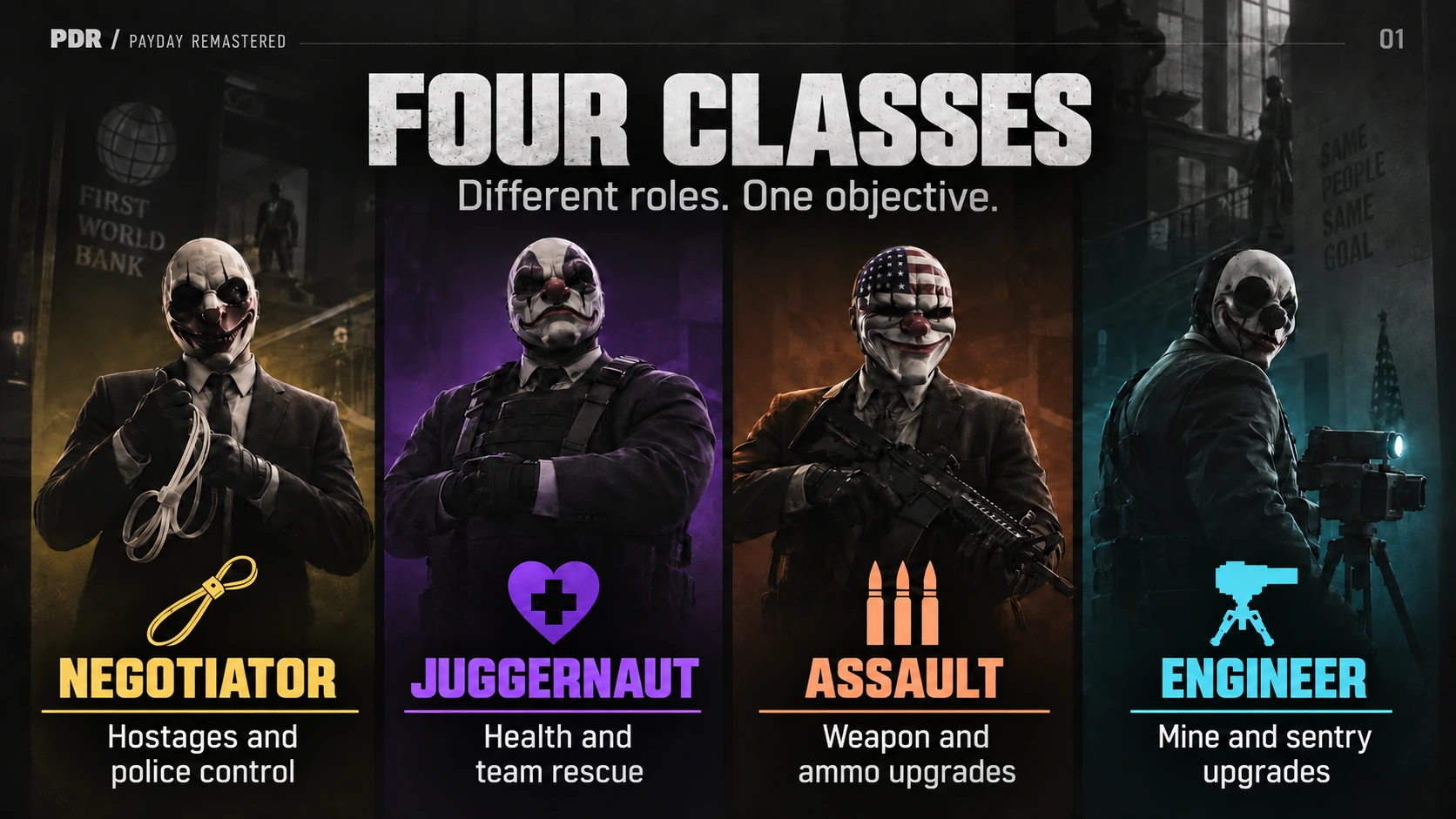
PDR adds four specializations to PAYDAY: The Heist: Negotiator, Juggernaut, Assault and Engineer. Seven ranks of progression, two compatible specializations at rank VII and improved crew bonuses let you build your own playstyle.
Police morale and escalation make heists more intense: police losses lower morale, but also trigger a stronger response. Four Nightmare variants add new challenges.
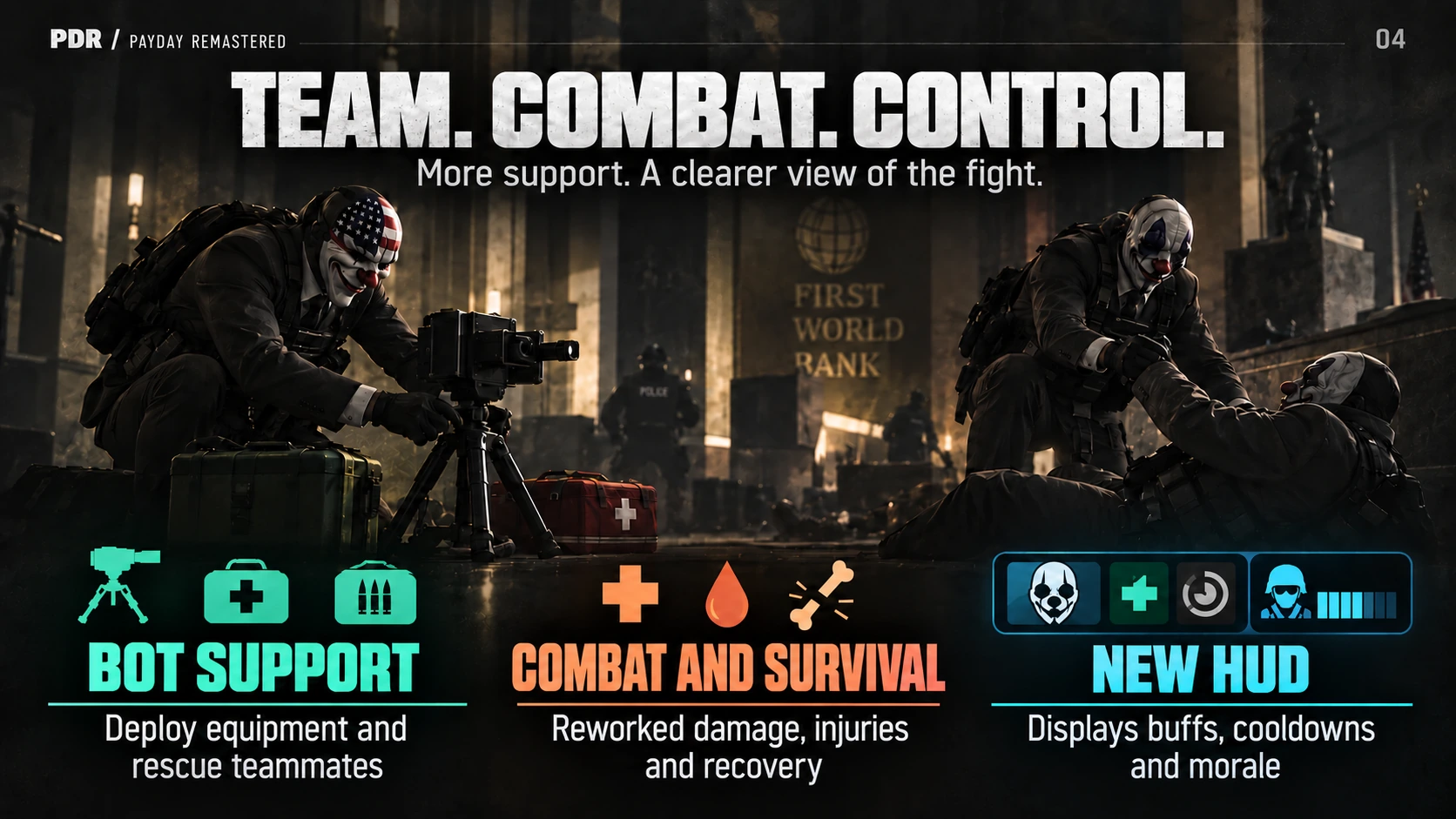
AI teammates gain new support abilities: deploying supplies and rescuing allies. Damage, injuries and recovery are reworked, while a custom HUD shows buffs, cooldowns and police morale.
AI-concept illustrations. Original artwork will follow.

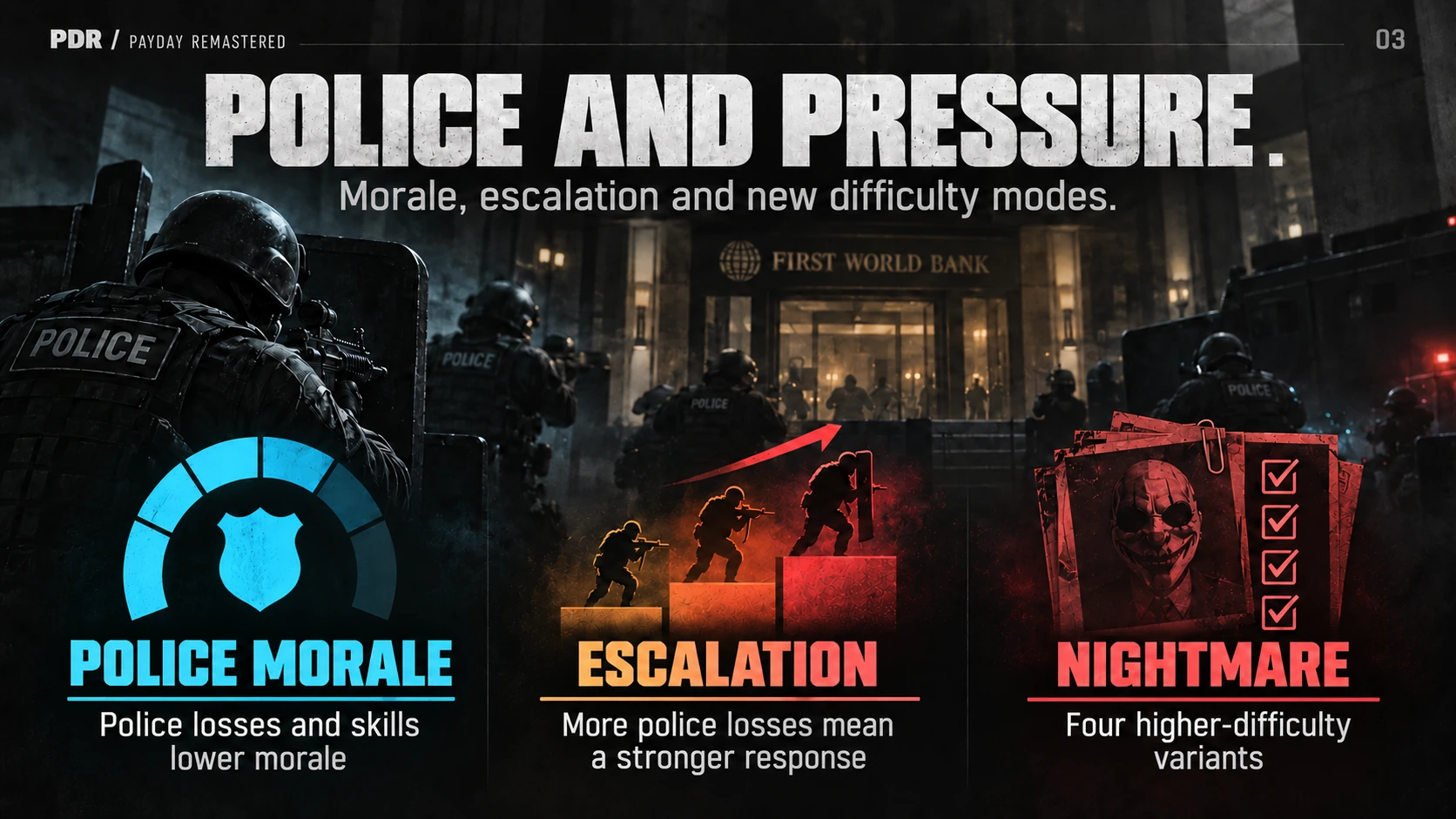
New difficulty and escalation systems
Four progression classes and team roles
Custom HUD and quality-of-life changes
PROJECT STATUS
Version 0.8.1 is in preparation. This page has no public download link yet.


GAME MOD · UE4SS
OFFSHORE
A PAYDAY 3 cheat mod with player, heist and system controls.
Explore the project
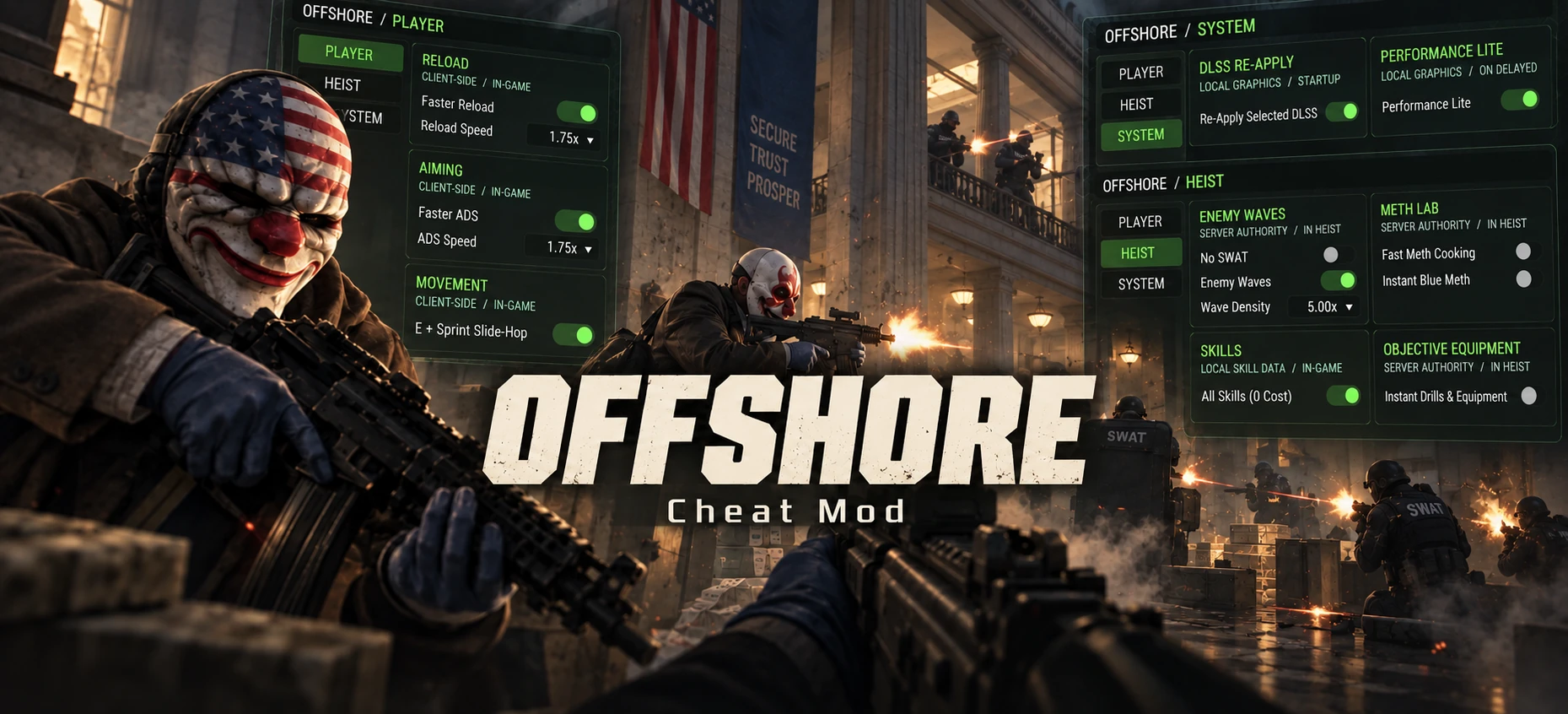
OFFSHORE
A PAYDAY 3 cheat mod with player, heist and system controls.
Explore the projectABOUT THE PROJECT / 03
A personal modding toolkit for the next heist.
An in-game UE4SS project with a compact menu and gameplay experiments, including reload and aim-speed controls. The project is being rechecked against current game updates; this page does not promise compatibility with every build.
In-game menu experiments
Reload and aim-speed controls
Compatibility review after updates
PROJECT STATUS
A work in progress. No public build or installation guide is linked here yet.
DESKTOP COMPANION
MechaAdvisor
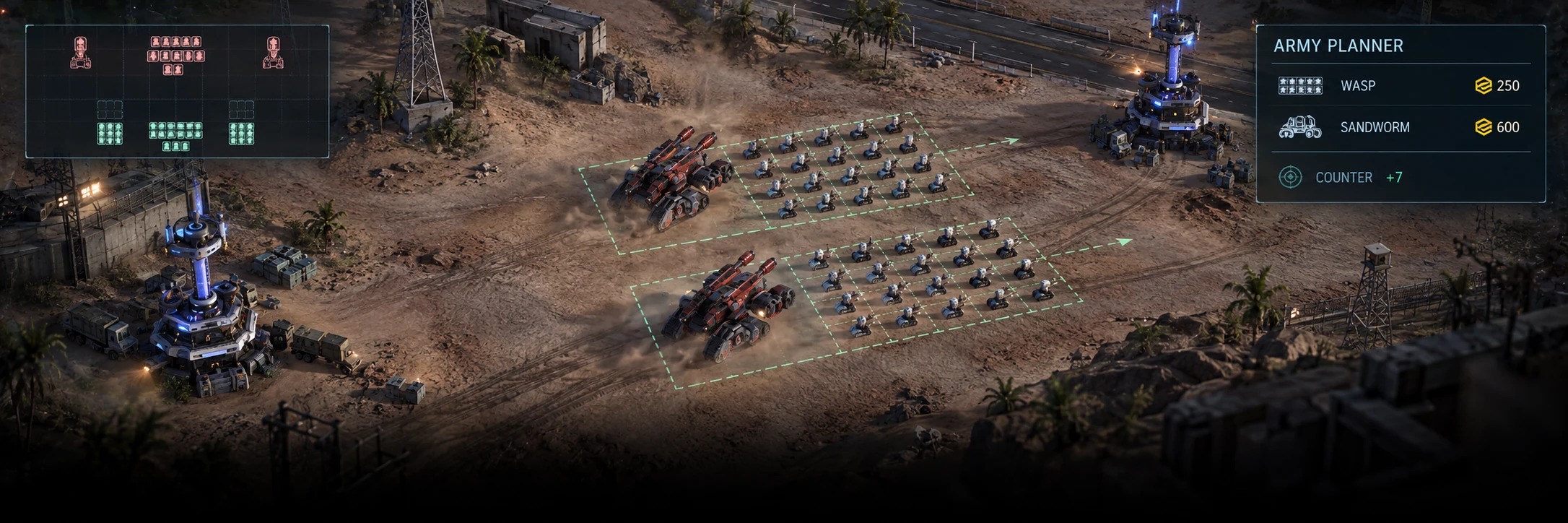
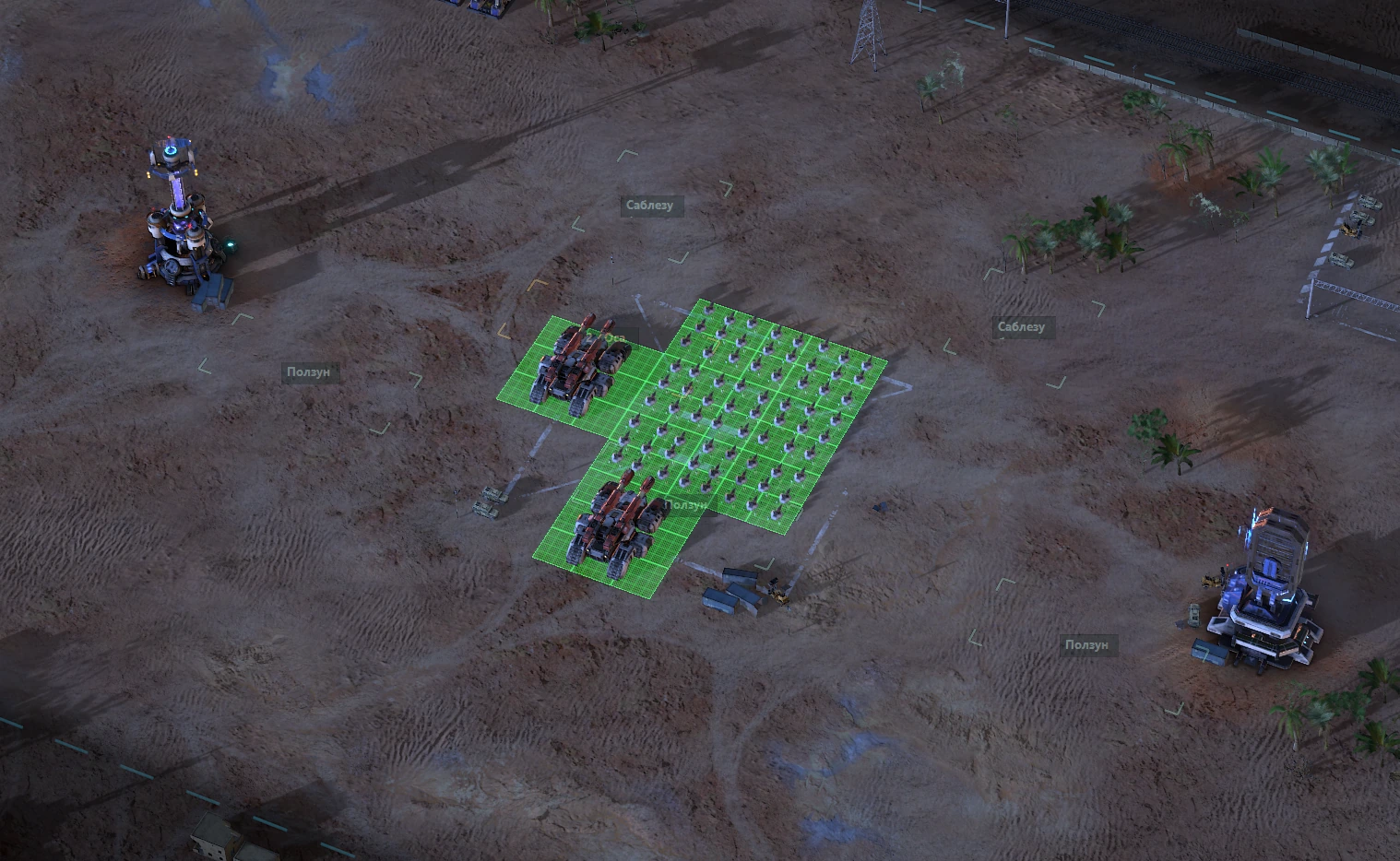
Working Mechabellum unit planner with a small unit database and experimental overlay.
Explore the project
MechaAdvisor
Working Mechabellum unit planner with a small unit database and experimental overlay.
Explore the projectCurrent working prototype
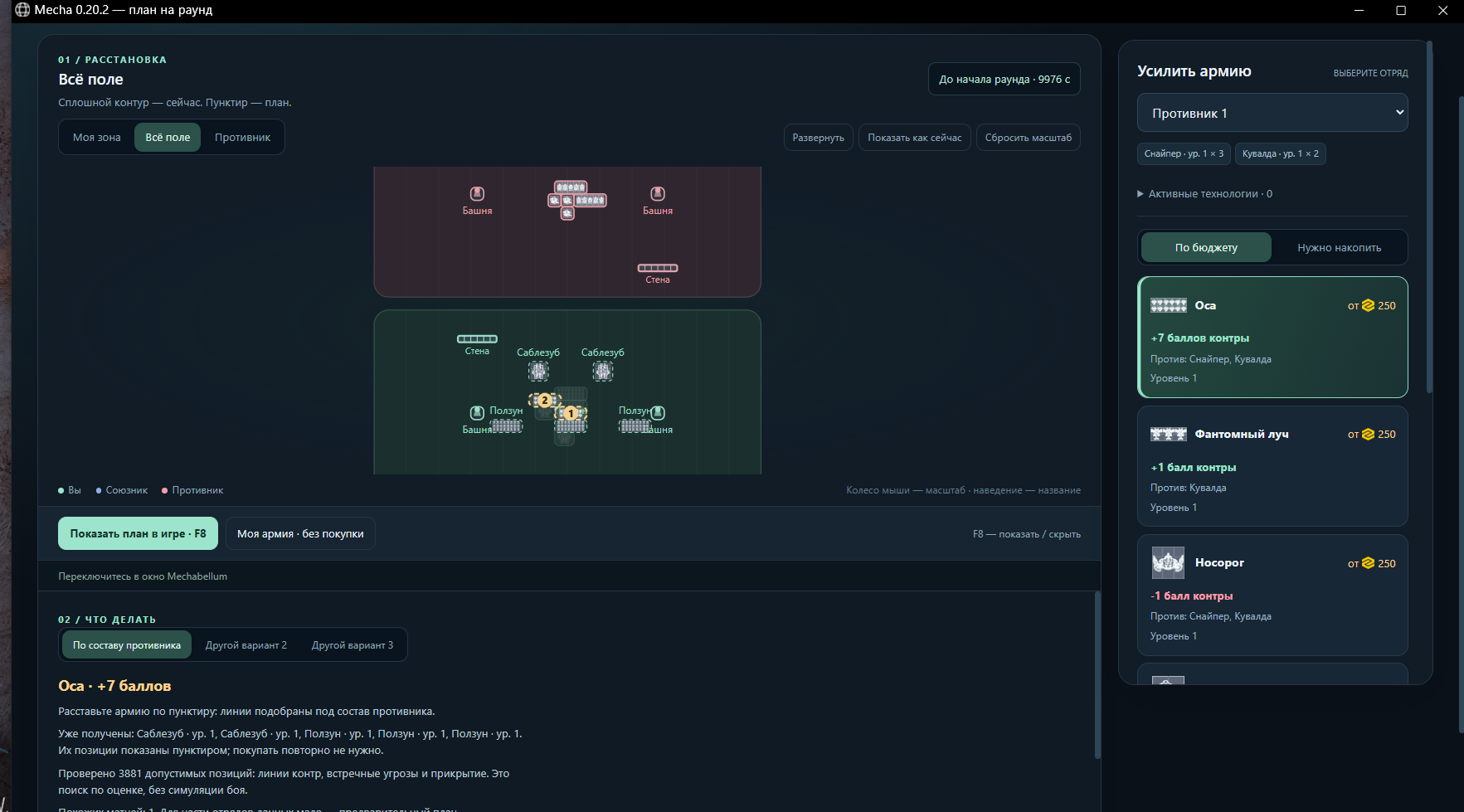
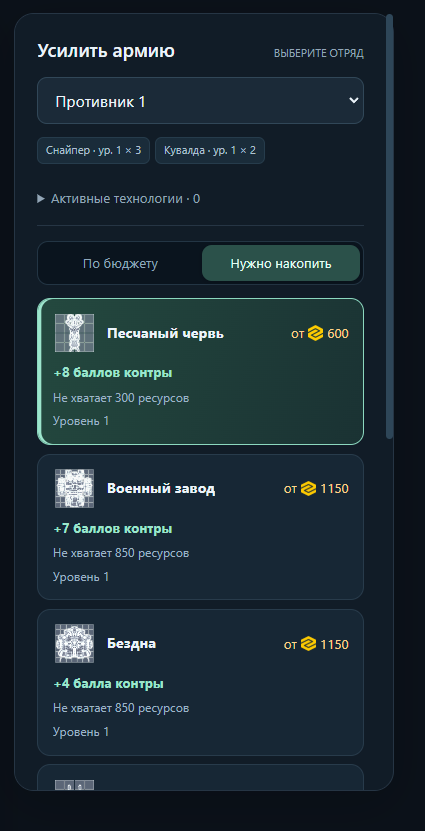
MechaAdvisor 0.21.0 is a working prototype of a Mechabellum unit database and deployment planner for Windows. It compares reinforcement options using a small seed of 19 authored heuristic rules.
The planner checks visible threats, cover, spacing and footprint collisions. A synthetic demo works without the game. Experimental live mode reads the game process and draws placement hints; compatibility with the current game build is unverified.
Current · prototype. No strongest-move, win-rate or ban-safety guarantee. The public package excludes the earlier external matrix and replay library. The gallery shows the earlier development build; public 0.21.0 uses schematic icons.
PROJECT STATUS
Download the full Windows portable archive from this site. Current game-build compatibility remains unverified.
WINDOWS TOOL
PhasmoControl
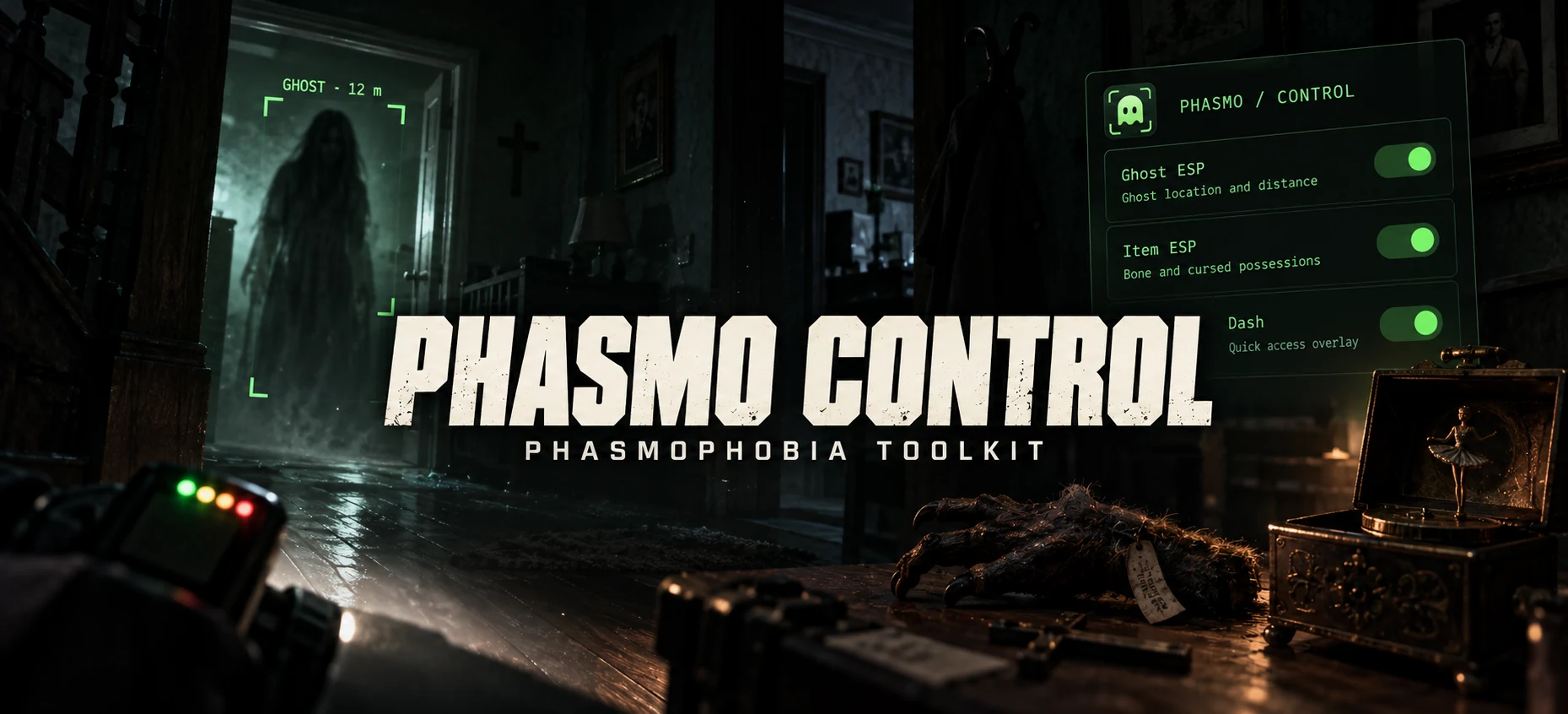
A personal Phasmophobia prototype with a control panel and an ESP overlay.
Explore the project
PhasmoControl
A personal Phasmophobia prototype with a control panel and an ESP overlay.
Explore the projectMy own prototype, from game internals to the interface.
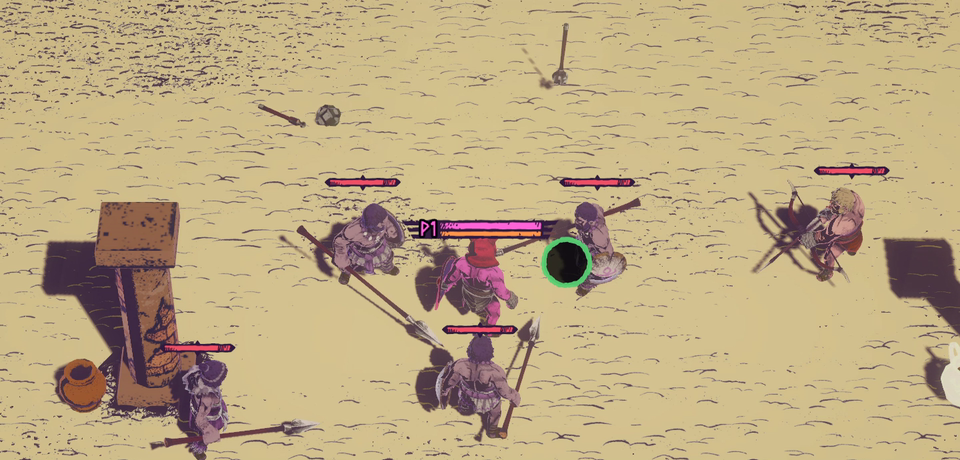
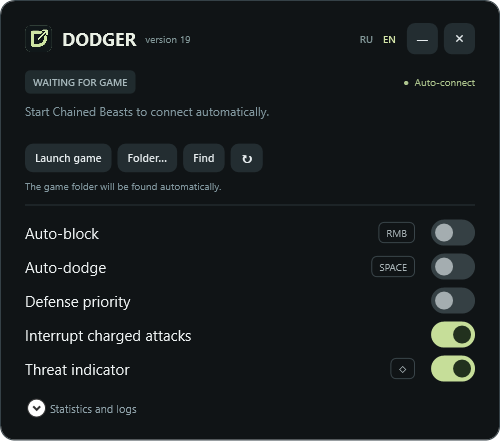
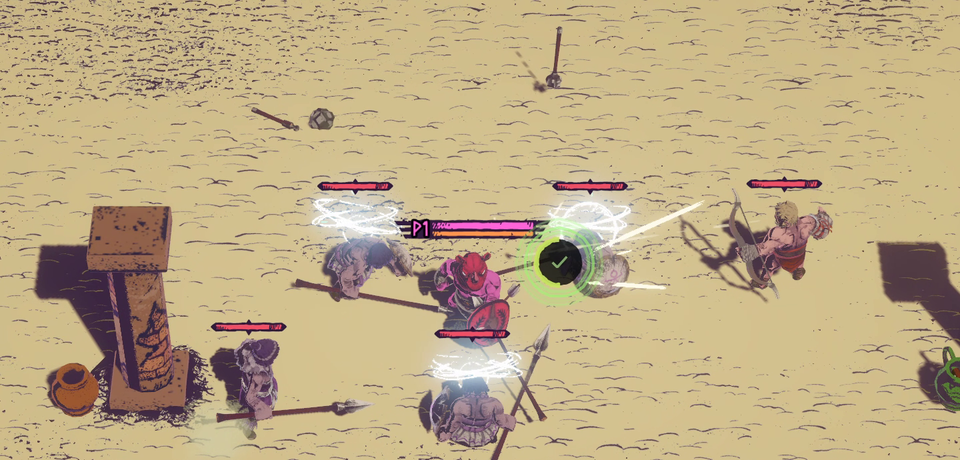
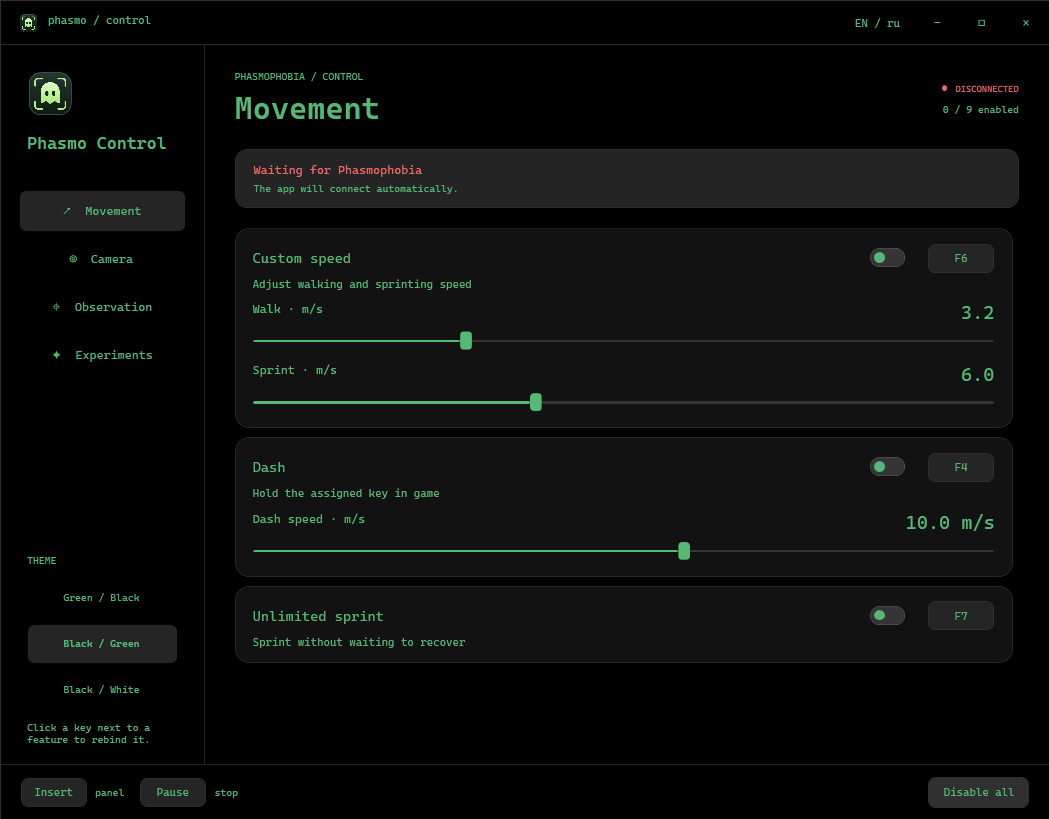
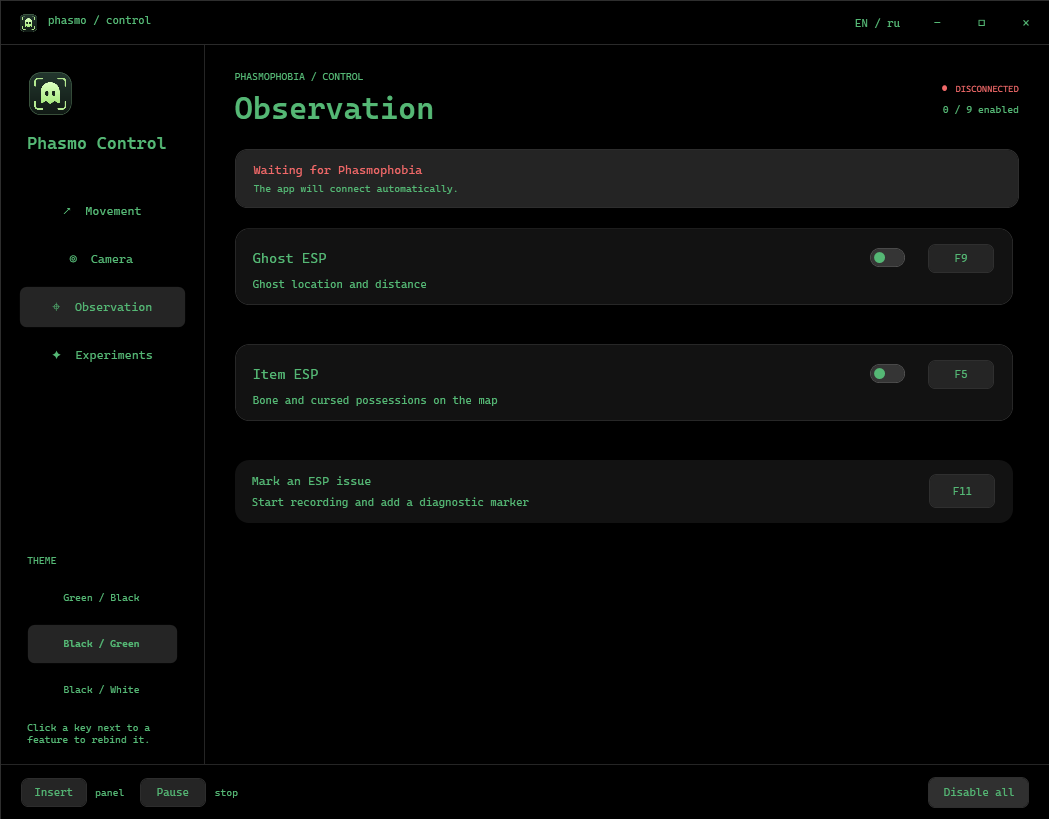
There are plenty of cheats for Phasmophobia. PhasmoControl is my own experiment: studying the game and building a control panel with an ESP overlay.
The interface design and cover artwork were created with AI assistance. I built the technical side myself in C#: researching game structures and vulnerabilities, implementing the logic and connecting the controls to the game. The interface uses WPF.
This page documents my work and the experience gained while developing the prototype. The program and source code are not distributed.
PROJECT STATUS
This project is shown as a portfolio entry only. No public download is available.
small projects
Welcome to the Game II6 mods
01 / Welcome to the Game II
WTTG2 RU
Russian interface, website text, hints and subtitles with Cyrillic support for Welcome to the Game II.
Partial translation · English voice acting
02 / Welcome to the Game II
Safe skyBREAK Copy
Copy results already shown in skyBREAK: individual lines, BSSID and terminal text. Unknown passwords remain unknown.
Own plugin · tested in a separate game copy · BepInEx 5.4.23.5
03 / Welcome to the Game II
Parcel Rescue
Pick up the nearest delivered parcel with F6, including parcels stuck behind an obstacle.
Own plugin · installed · BepInEx 5.4.23.5
04 / Welcome to the Game II
Silent Microphone
Send silence to the game while keeping its microphone option enabled. Other applications retain access to the microphone.
Own plugin · silent capture verified · BepInEx 5.4.23.5
05 / Welcome to the Game II
Remote VPN Green Fix
Refines an existing VPN plugin with cached objects, timed updates and separate settings.
Replaces the original DLL. Default generation override: 120 seconds / 3 DOSCoin; configurable. Green highlighting does not validate placement.
06 / Welcome to the Game II
Remember Save Fix
Restore access to previously remembered Wi-Fi passwords after loading a save. An add-on for Epic Remember Networks.
Requires Epic Remember Networks 1.0.0, not included. Restores only previously known passwords.
Project status is shown on each card. Available releases and source links are included in the project details.