turning ideas
into something real.
i develop apps, test them and try to make them better.
a little practice.every day.
what i do
Tap underlined words for notes.
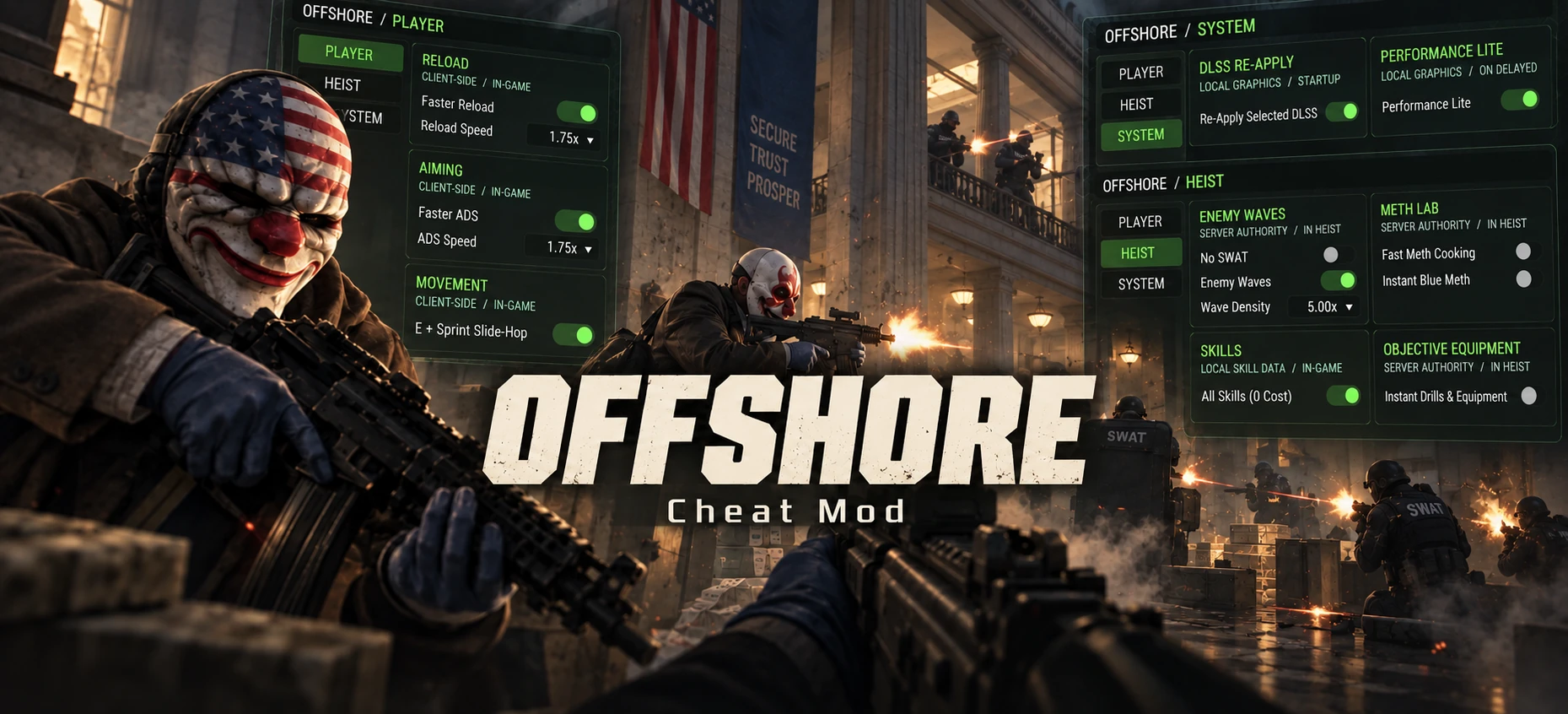
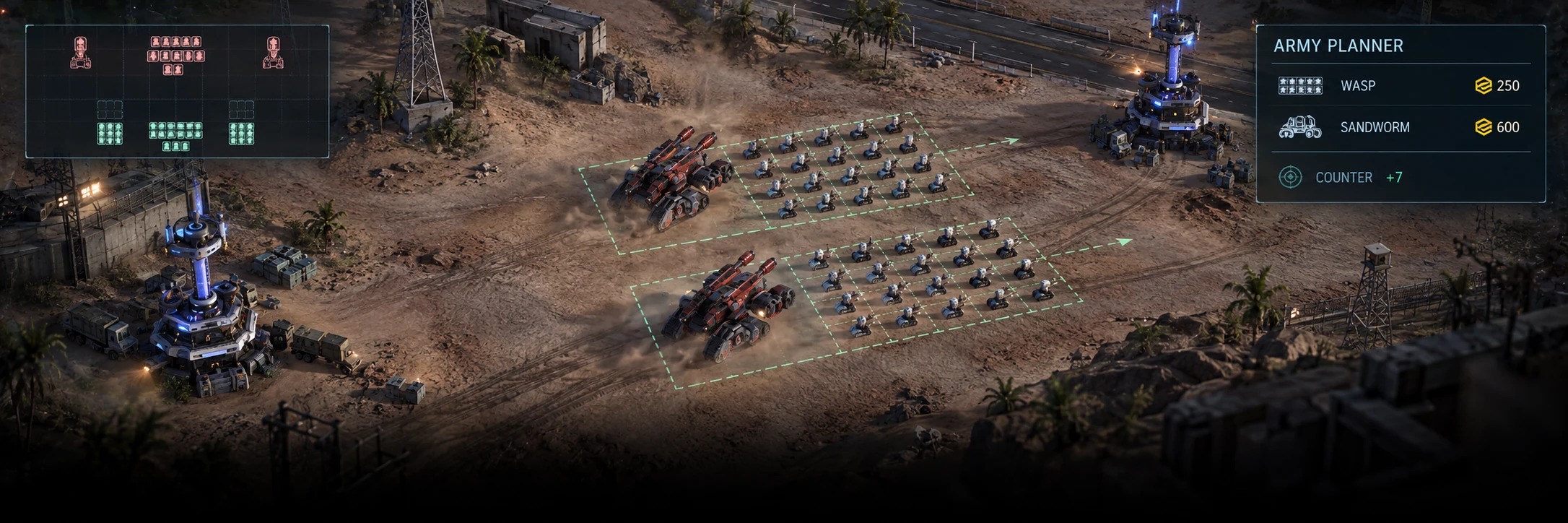
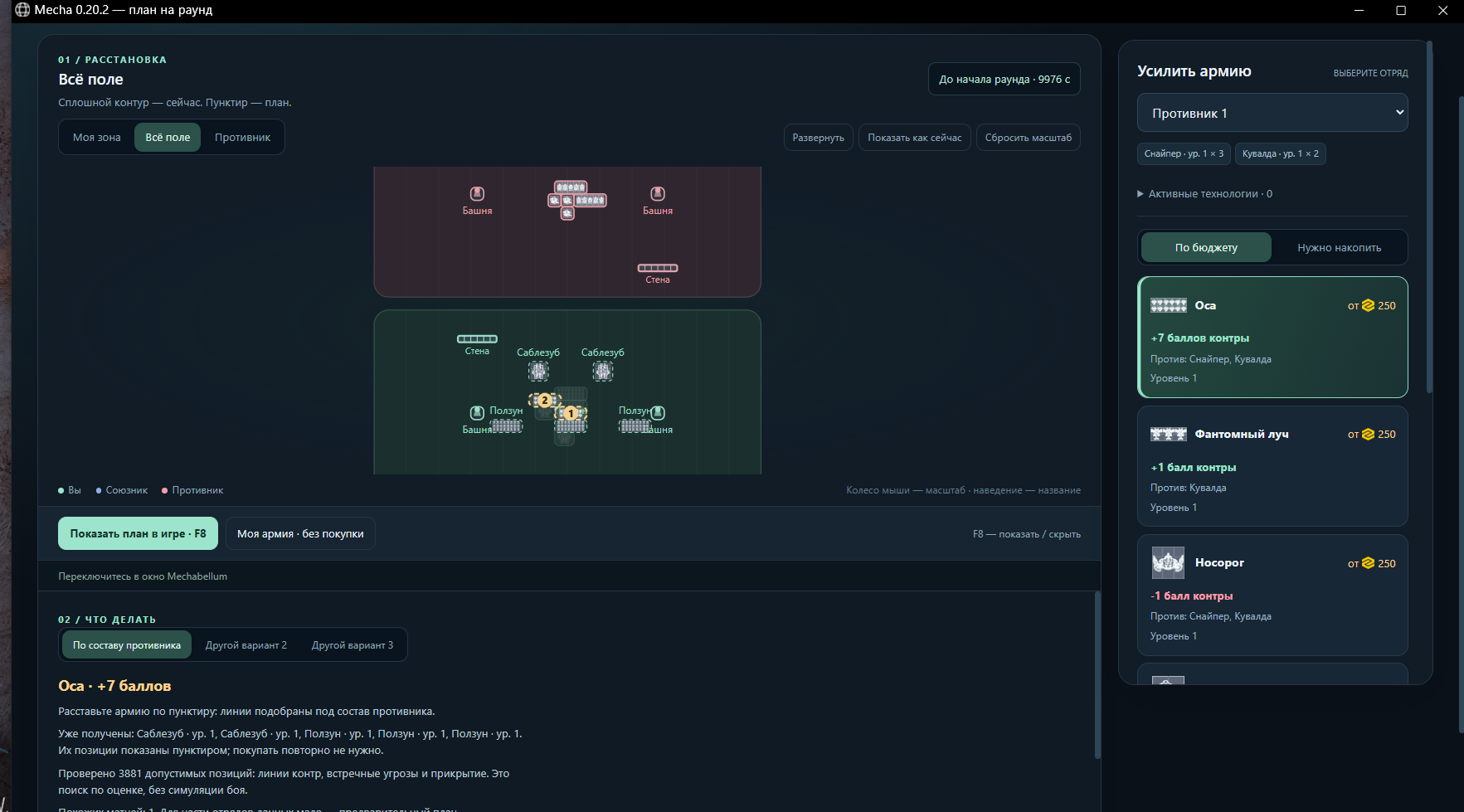
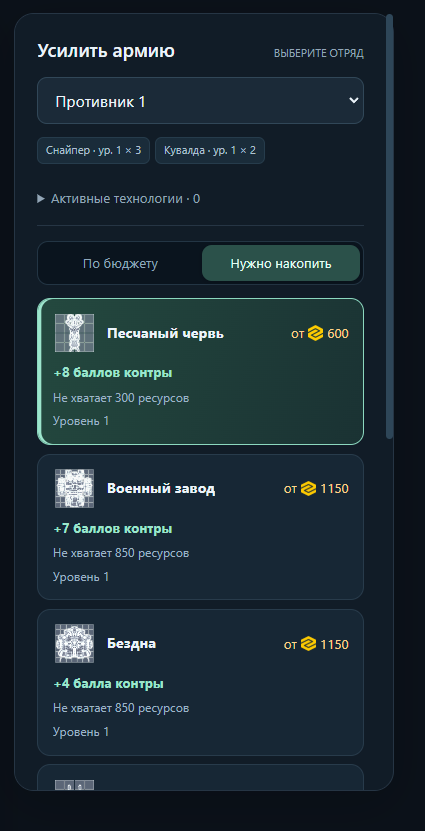
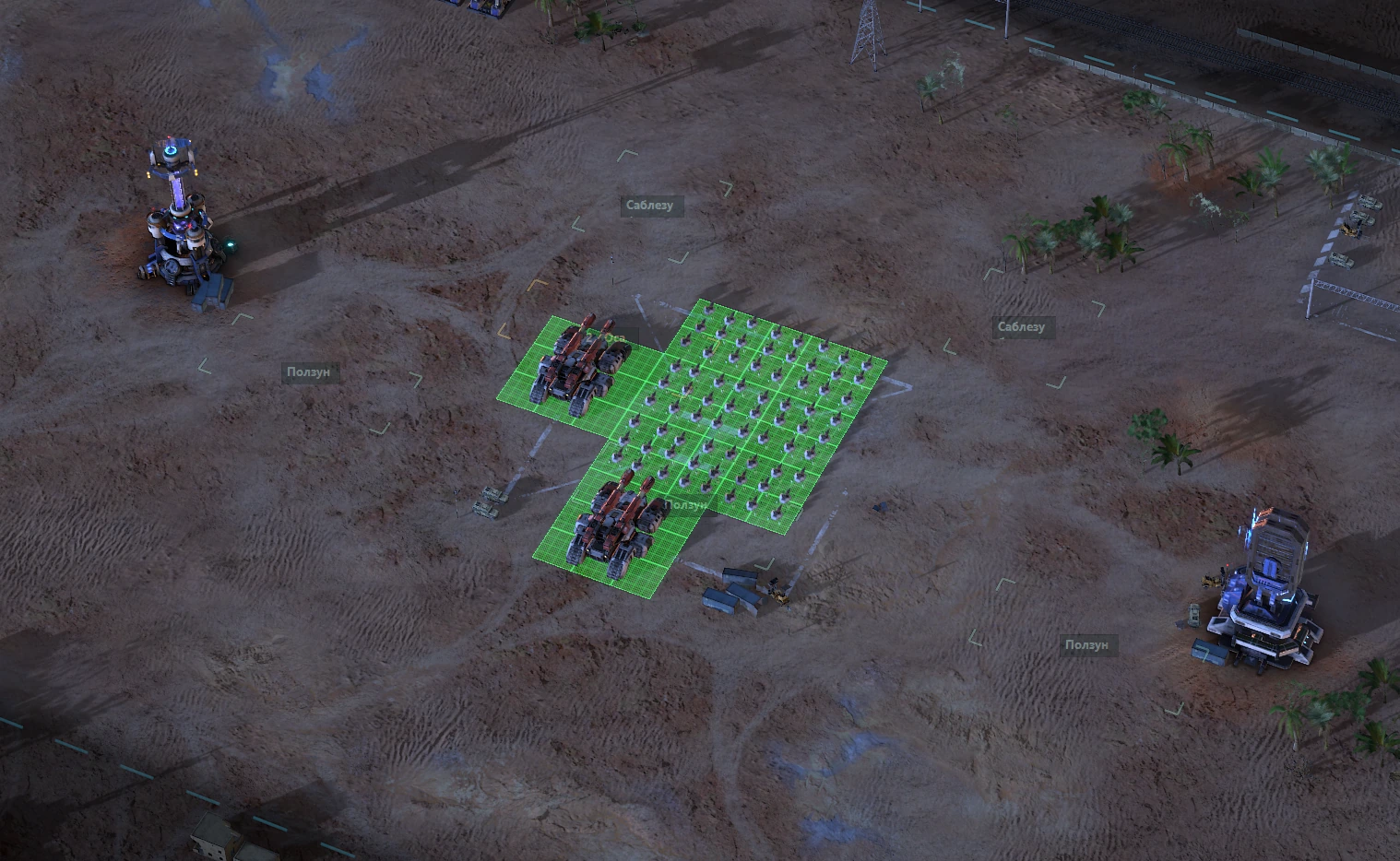
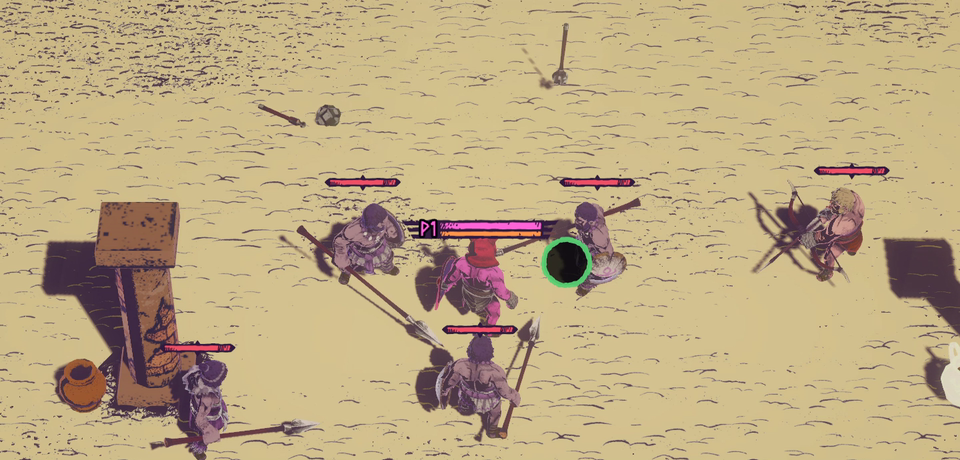
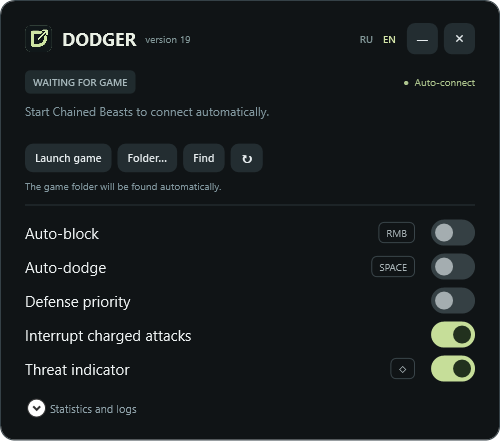
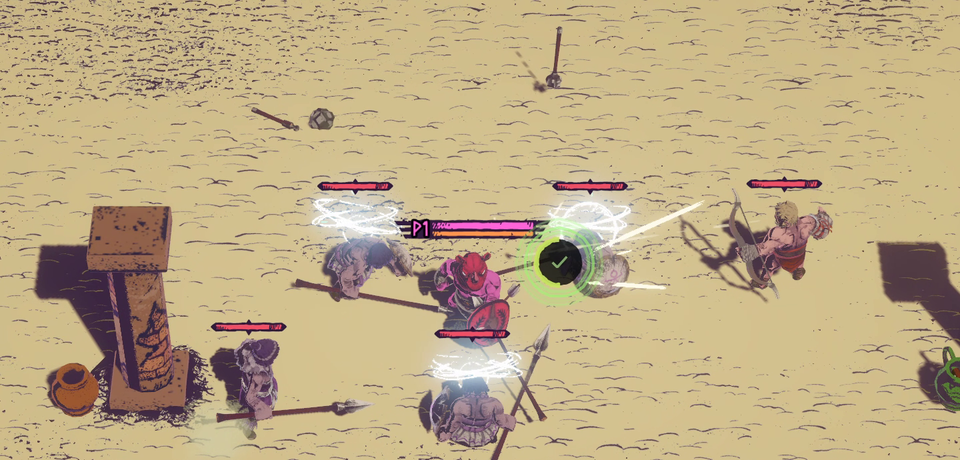
i make all sorts of modsrebalancing, changing game mechanics and things like that., HUDshead-up displays — useful information while you play. and utilities for the games i love. while doing all this, i'm learning to make websites and landing pagesi'm trying to make sites where design and animation work together. — this site is one of the steps towards that goal.
i love the process of learning and figuring out how things worki'm curious.. usually my work starts with the thought: ‘how can i change that?sometimes a five-minute question turns into a long project.’ — after that comes rebalancingchanging one number can make a world of difference., changes to the HUD and other tweakssmall changes to make the game feel right. to make the game just the way i want it. the thing i hate the most is an overly fuckingno word can describe how much i hate it. complicated interface.
i'm a beginner in web development. i'm trying different approaches to problemsi'm a fast learner. and improving wherever i can. here are some projects: some are still in developmentrevisiting things when i find a better way., while others are already working.
- what i like
- i like overcoming challenges.sometimes figuring out the game is half the fun.i want to live life my way: love, basketball, the gym, and work i love. i'm working toward a happy life.
- what i hate
- i'd rather make a cheat that makes the game more enjoyable than put up with bullshit just to say i played fair. i know i could make it better. can't be bothered right now — i'll come back when inspiration hits again.
- to-do list
- i'll make it for myself first. maybe someone else will find it useful too. so you can blame me personally for the bad balance. something that does its job and feels good to use.
- plans
- my plans, month by month trello.
—
updates may lag / lyrics aren’t always available
my work
High.
A personal journal as a chart of your life. Events, notes and small steps that make up your story.
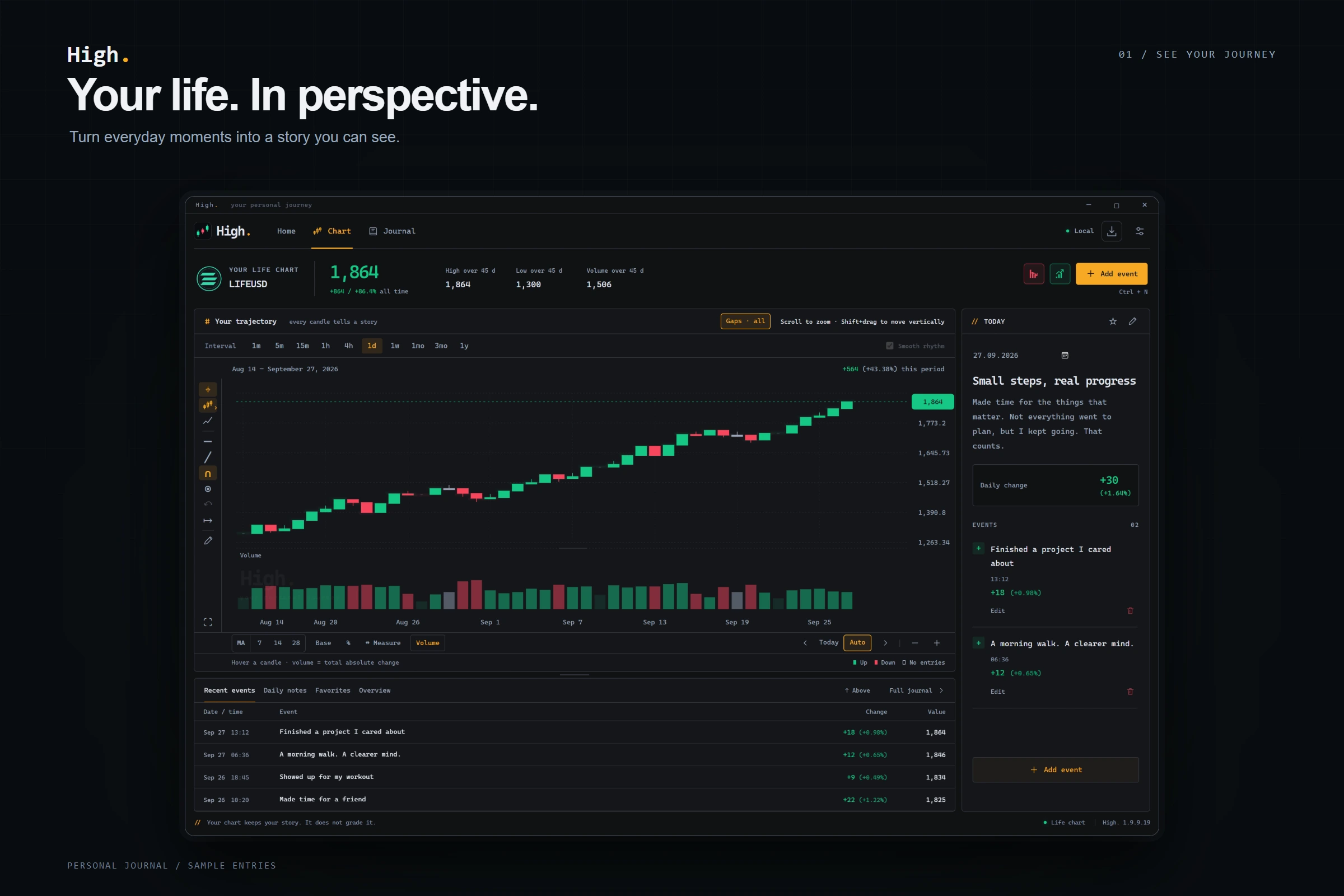
High.
A personal journal as a chart of your life. Events, notes and small steps that make up your story.
ABOUT THE PROJECT / 01
Events and notes become a picture of your day.
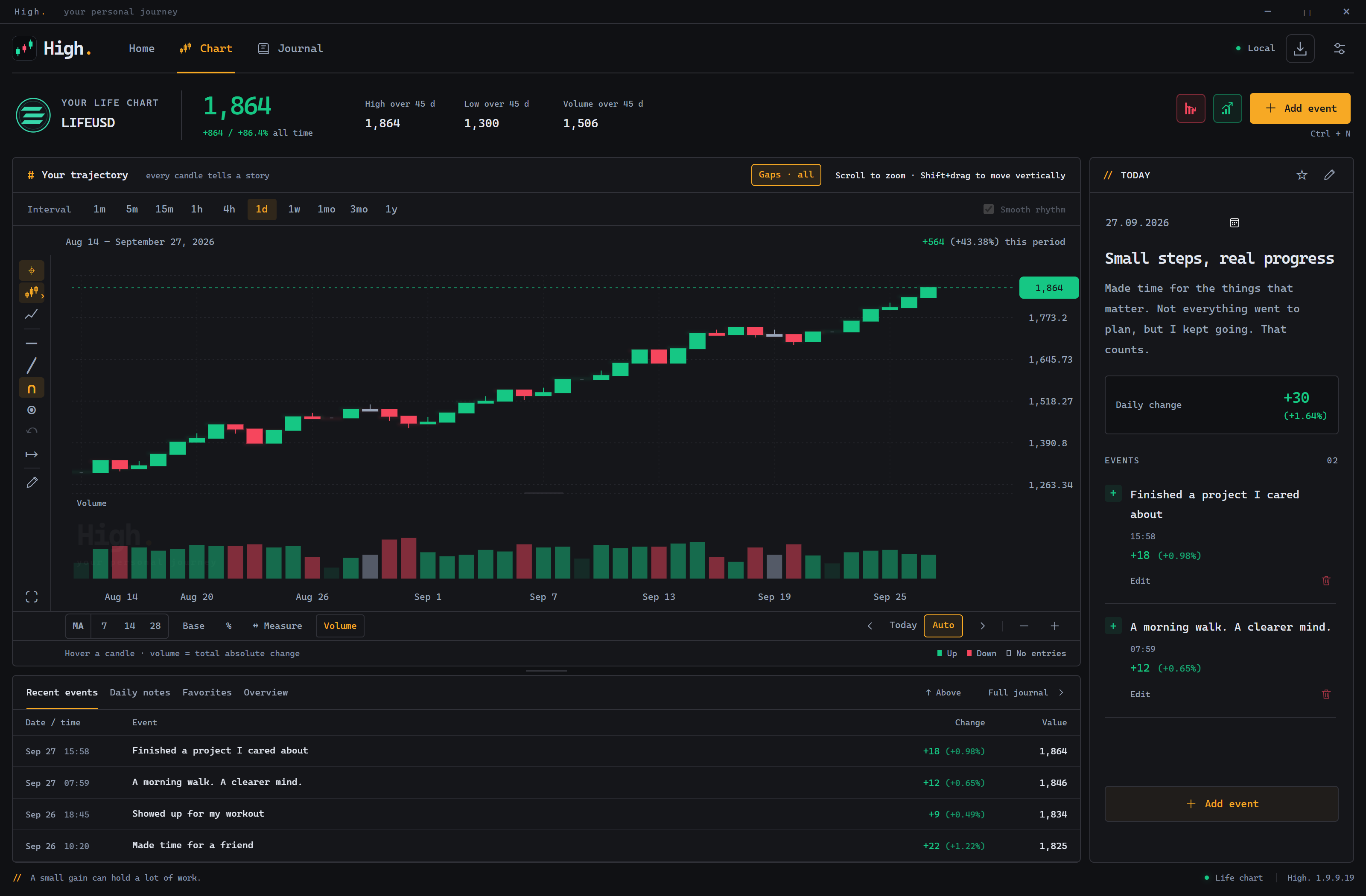
High is a personal journal that lets you see your story as a crypto chart. Revisit past days and follow how your own path has changed.
Desktop app · Windows · data stored locally
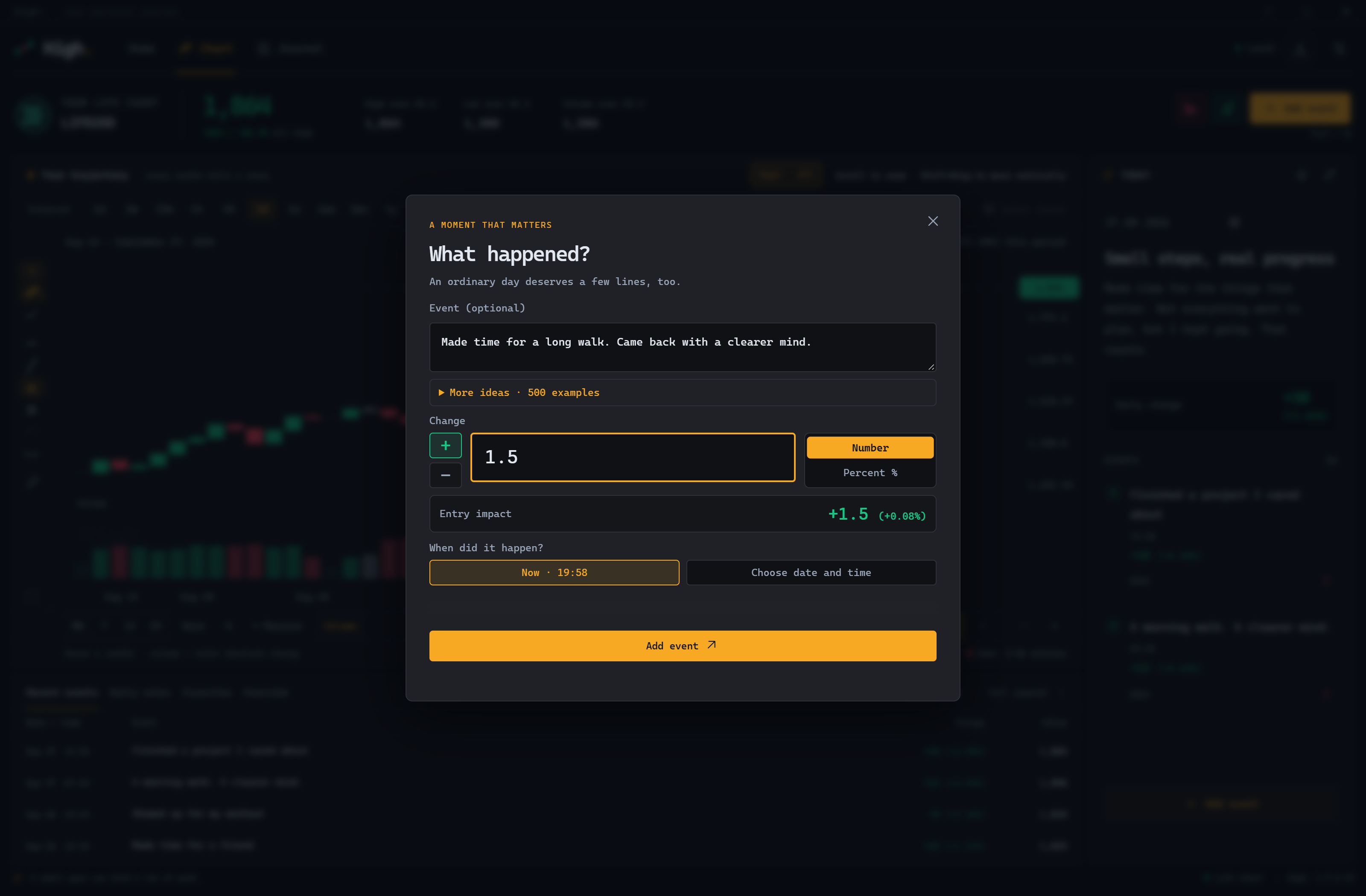
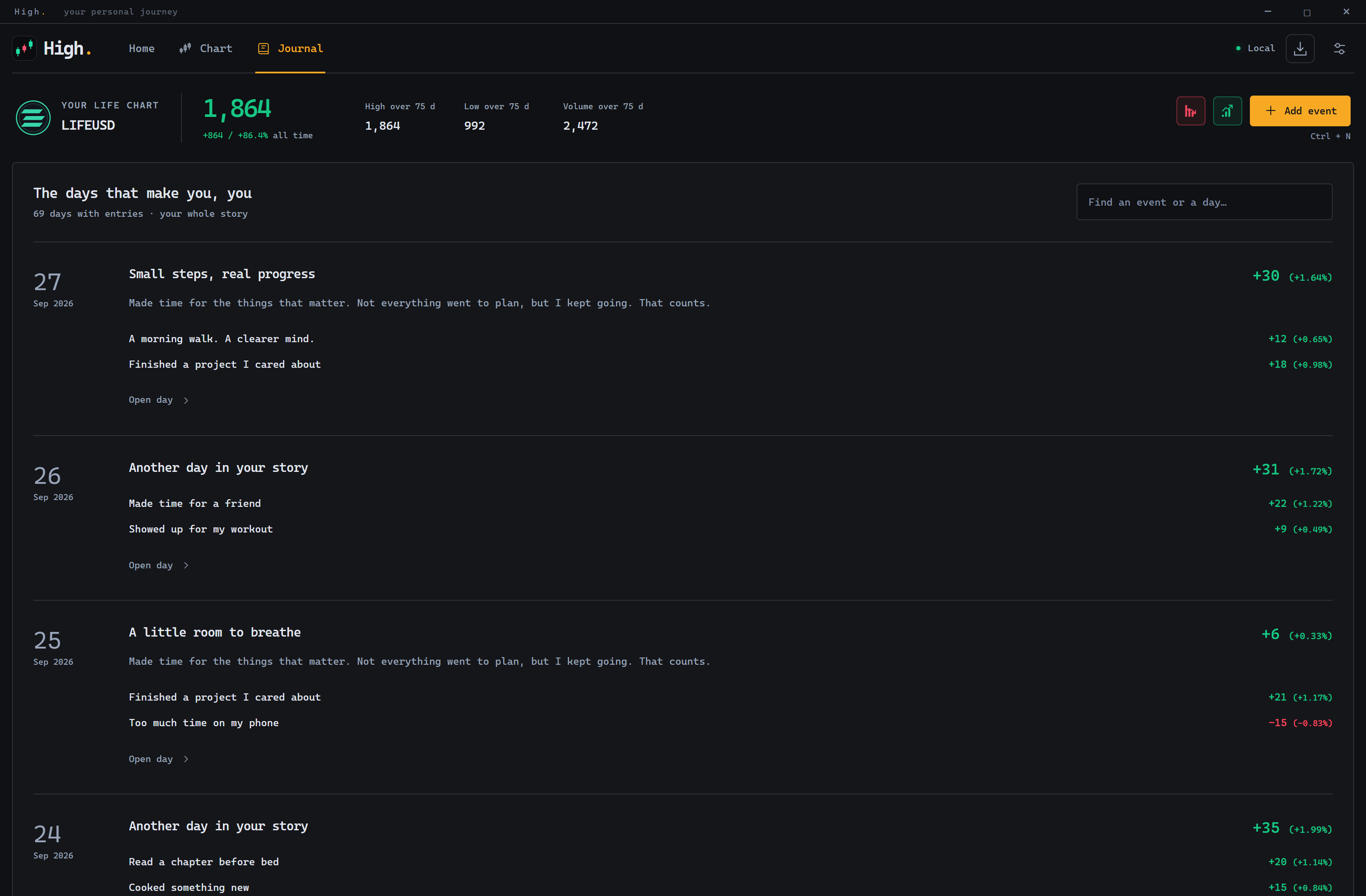
Inside High
Development preview · sample entries · click to enlarge
DOWNLOAD / HIGH
High. 2.0.0.2
Smooth chart movement and zoom around the cursor or with two fingers. Visual trends return to the recorded level; new entries animate only the current candle. Your entries and totals stay unchanged.
Windows x64 · 6.1 MB. Download the EXE and open it — no installer needed.
To update, close High. and replace the previous EXE. Your journal is preserved.





small projects
Welcome to the Game II6 mods
01 / Welcome to the Game II
WTTG2 RU
Russian interface, website text, hints and subtitles with Cyrillic support for Welcome to the Game II.
Partial translation · English voice acting
02 / Welcome to the Game II
Safe skyBREAK Copy
Copy results already shown in skyBREAK: individual lines, BSSID and terminal text. Unknown passwords remain unknown.
Own plugin · tested in a separate game copy · BepInEx 5.4.23.5
03 / Welcome to the Game II
Parcel Rescue
Pick up the nearest delivered parcel with F6, including parcels stuck behind an obstacle.
Own plugin · installed · BepInEx 5.4.23.5
04 / Welcome to the Game II
Silent Microphone
Send silence to the game while keeping its microphone option enabled. Other applications retain access to the microphone.
Own plugin · silent capture verified · BepInEx 5.4.23.5
05 / Welcome to the Game II
Remote VPN Green Fix
Refines an existing VPN plugin with cached objects, timed updates and separate settings.
Replaces the original DLL. Default generation override: 120 seconds / 3 DOSCoin; configurable. Green highlighting does not validate placement.
06 / Welcome to the Game II
Remember Save Fix
Restore access to previously remembered Wi-Fi passwords after loading a save. An add-on for Epic Remember Networks.
Requires Epic Remember Networks 1.0.0, not included. Restores only previously known passwords.
posts from the channel, your messages and my replies.
Sign in with your owner passkey.